

newspapers

Daily Softs is the online news source for all things software

  • 5 Costly Mistakes to Avoid During Enterprise Software Migration

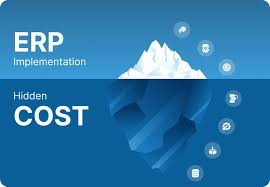
    ERP migration is NOT a straightforward data transfer. Technical debt is a problem many stakeholders often overlook, but it must be managed to ensure successful deployment. But if you don’t account for architectural dependencies, you may be liable to serious system failures today. It’s not only a problem of project management, but also a problem of bad architecture.

    1. Overlooking API Entanglement and Middleware Latency

    An ERP migration involves transferring crucial business data and processes to a more modern architecture. It needs to map data schemas and API integrations to ensure operational continuity and visibility.

    Most leaders are concerned with the UI, whereas the other problem is the “invisible” spaghetti code that holds the legacy modules together and links them to the third-party engines… Without a solid API strategy, those connections are severed, leaving you without the logic required to perform financial reconciliations. More often than not, we see organizations discover that their middleware is not compatible with a cloud architecture, and then,, during peak load, experience high-latency calls that cause system failures. In the real world, when these endpoints are not audited, they create what is known as “ghost errors”—a problem that continues to haunt the finance department for years to come after go-live.

    2. The Strategic Poison of Forced Feature Parity

    One can easily imagine that it is natural to ask for the new ERP to be the same as previous systems; this is a wrong move that involves billions of dollars. You’re asking a modern system to duplicate the antiquated “workarounds” of a legacy system, and you’re paying for that. You’re not purchasing software; you’re purchasing a better way to work. When your team spends the implementation budget to customize the UI to display the 2004 style, your digital transformation has already failed before the data is even loaded into the production environment for users to consume.

    3. Underestimating Schema Drift in Legacy Extensibility

    One can easily imagine that it is natural to ask for the new ERP to be the same as previous systems; this is a wrong move that involves billions of dollars. You’re asking a modern system to duplicate the antiquated “workarounds” of a legacy system, and you’re paying for that. You’re not purchasing software; you’re purchasing a better way to work. When your team spends the implementation budget to customize the UI to display the 2004 style, your digital transformation has already failed before the data is even loaded into the production environment for users to consume.

    4. Miscalculating the Internal Cost of SME Double-Duty

    Migration budgets account for vendor fees but ignore the productivity drain on your Subject Matter Experts. These people know how the business runs—and they are now expected to do their full-time jobs while spending 30 hours a week on User Acceptance Testing. The result is “SME burnout,” where your best talent leaves mid-migration because they are crushed under the weight of two roles. No amount of consultancy can replace the institutional knowledge lost when an overworked controller or manager quits due to exhaustion before the project reaches its conclusion.

    5. Neglecting the Data Gravity of Ancillary Bolt-Ons

    ERPs serve as the hub of an ecosystem of “bolt-on” features, including unobtrusive CRM plugins and custom reporting scripts. The migration seems successful at the core, but the rest of the ecosystem can’t extract data from the new cloud world, leading to its demise. You get a high-performance, unhooked engine. Technical teams need to undertake a detailed audit of the following features and reduce the risks involved in the data flow of the enterprise today, to ensure a successful rollout:

    1. API rate-limiting protocols
    2. ETL validation scripts
    3. Regression testing cycles
    4. Global SOC2 mapping protocols

    Enterprise software migration is a challenge to organizational resilience. By steering clear of these deceptive pitfalls, you avoid treating your investment as a cost center and are more likely to achieve ROI. Real leaders focus on the system as much as the “cool” new front end.

  • 5 Key Differences Between ERP system vs CRM

    Most executives think of software in a functional rather than a strategic and architectural way (what does this button do?!) The ERP system vs CRM debate is about maximizing for inside or outside.Both platforms focus on data being centralized, but the ERP system vs CRM question is about optimizing for inside or outside. These leads lead to expensive, fragmented “Franken-stacks” which limits Enterprise scalability.

    Front-Office Revenue vs. Back-Office Profitability

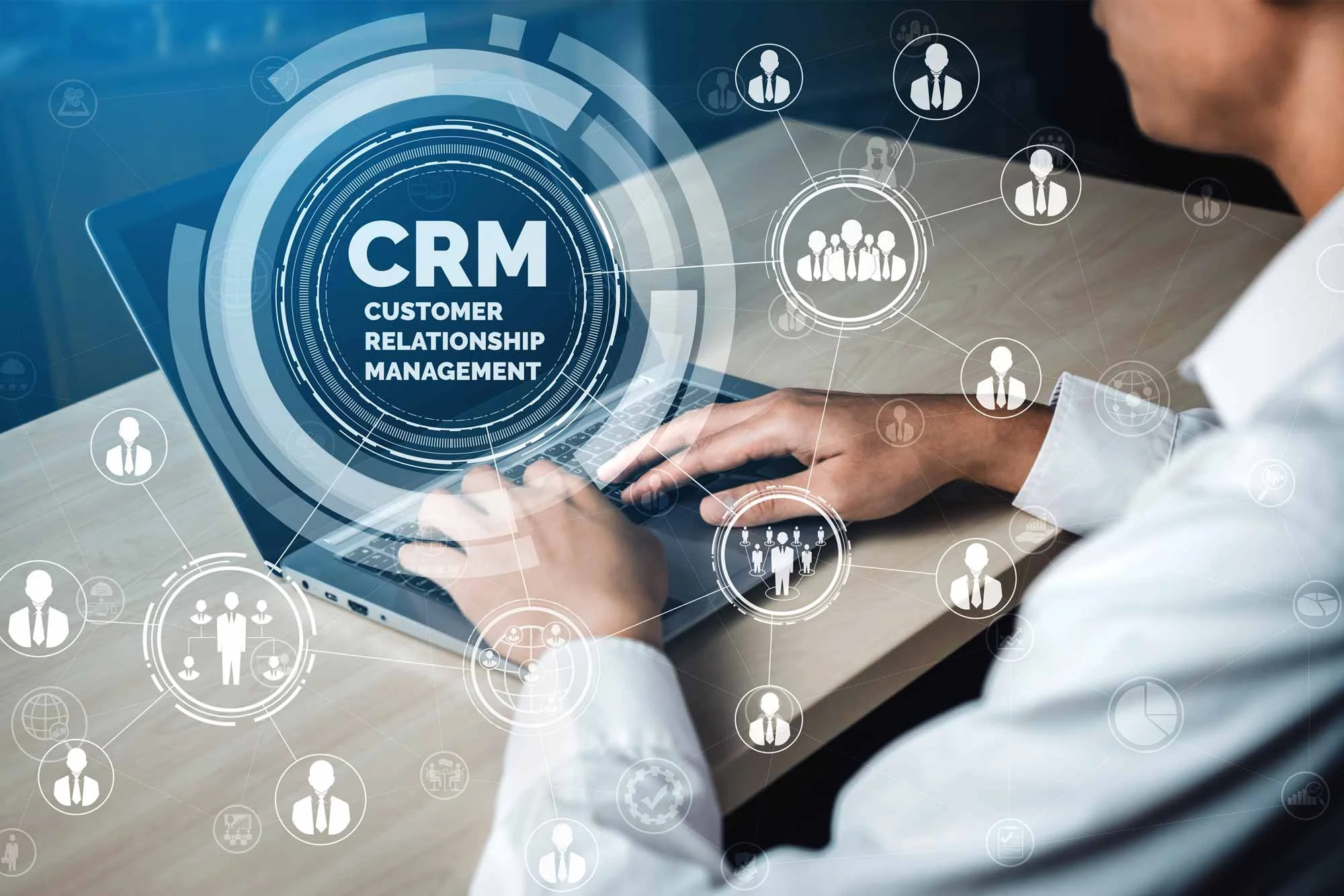
    While an ERP system handles back office functions such as finance and the supply chain, a CRM is used to manage front office functions such as sales and customer engagement. The main difference is their goal – ERP is about cutting costs by using efficiency, while CRM is about generating revenue from relationship management.

    An ERP system is used to manage back-office processes like finance and supply chain while a CRM is used for front-office processes like sales and customer engagement. The difference is in what they’re trying to achieve: ERP aims to reduce costs by increasing efficiency, while CRM aims to increase revenue by managing relationships.

    • CRM: Marketing automation, contact management, and support tickets.
    • ERP: Inventory, General Ledger (GL) and human resources.
    • One promises and the other makes it possible for the business to keep its promise – that is, maintain a profitable margin.

    Lead-to-Order vs. Order-to-Cash Workflows

    A CRM’s life cycle starts where an ERP’s begins. The Lead-to-Order (L2O) process is a sequence of steps that trace a prospect from initial marketing contact to the last order placed. After reaching the ‘Closed-Won’ stage, the ERP enters into the Order-to-Cash (O2C) stage. This includes the recognition of revenue, inventory depletion and shipping. Financial reporting will not have the necessary audit trails for compliance with GAAP if your CRM attempts to do your O2C.

    Behavioral Sentiment vs. Transactional Truth

    CRM data can be subjective and qualitative. It records a client’s state of mind, style of communication and the “probability” of the deal closing. An ERP system however works with absolute truths, quantitative truths. Instead, it doesn’t bother to check out the feelings of a customer, it’s only concerned with whether the invoice has been paid or not, and what the Cost of Goods Sold (COGS) is. It is important to connect these two together through API integration without causing data silos arising from departmental differences.

    External Stakeholders vs. Internal Resources

    The primary user of a CRM is an outside individual like a salesperson. Their objective is to increase the Lifetime Value (LTV) and minimise the churn. The typical user of ERP is an internal user, such as a warehouse manager, accountant or HR specialist. The teams are responsible for managing all internal assets, from raw material to payroll, using this system. A CRM is concerned with tracking the customer’s pulse, an ERP tracks the company’s internal pulse, and a spreadsheet is not an appropriate solution in either case.

    Risk Mitigation vs. Opportunity Management

    ERPs are “bet-the-company” initiatives. When it doesn’t work, the company ceases shipping products. It is more or less a risk minimization and standardization issue. Focus of CRM Implementation is Opportunity Management. A CRM failure is irritating: it means losing leads and not being able to see what’s happening with sales. But it is not necessarily the end of business. While ERPs are designed to adhere to strict business rules and maintain data integrity, CRMs provide the flexibility necessary in a fast-paced and dynamic sales landscape.

    ERP system vs CRM is a decision that needs to be taken after realizing that growth and efficiency go hand in hand. It is important for the enterprises to incorporate both of these and break barriers between them and establish a “Single Source of Truth. Leaders can balance financial discipline with sales agility, and ensure their company is profitable as well as being financially driven.


  • What is an Enterprise Resource Planning (ERP) System?

    Enterprise Resource Planning systems are the ultimate development of the organizational management technology. In the present day, ERP systems are not just data storage and retrieval systems; they are the brain and nerve center of multinational companies, managing intricate processes and maintaining data consistency in high-speed environments where manual synchronization becomes impractical. These solutions enable a single, digital operating environment.

    ERP system

    Defining the Core ERP System

    ERP is an centralized software system that connects important business functions, like finance, human resources, supply chain, procurement and others, into one data source. It breaks down data silos by enabling real-time sharing of data between departments, improving data flow and enhancing operational efficiency and strategic decision-making through the use of a unified database system.

    An ERP system is more of a “single source of truth” than just automation. In legacy systems, departments are typically disconnected from one another and rely on spreadsheets for reporting and reconciliation, which can result in discrepancies and errors. In today’s ERP architecture, Master Data Management (MDM) allows for a single customer record, inventory unit or financial transaction to be the same for anyone from the warehouse to the C-suite.

    Functional Modules and Technical Architecture

    An ERP system’s usefulness comes from its modularity. For certain verticals, including manufacturing, professional services, and retail, organizations can choose to deploy specific components in their target vertical, while providing a unified back-end integration through APIs and middlewares. Common core functional modules normally consist of:

    • Financial Management: Automates general ledger, accounts payable/receivable, and fiscal reporting and compliance with multiple currencies and entities.
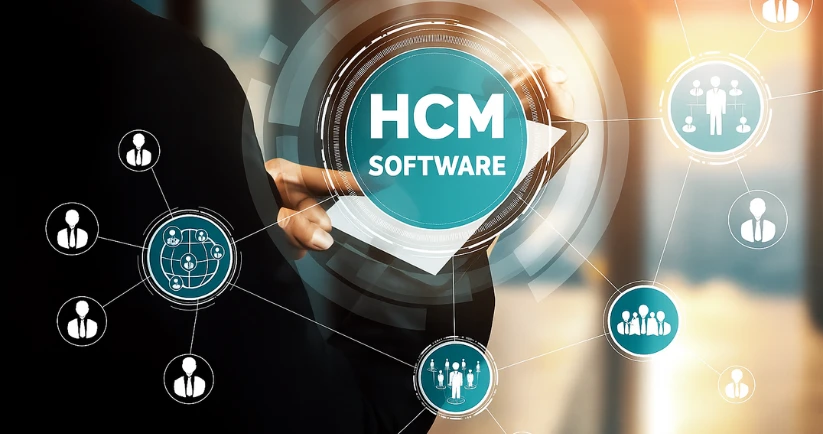
    • Human Capital Management (HCM): Manages the employee lifecycle, from recruitment to onboarding, to payroll and performance tracking.
    • Supply Chain Management (SCM): Manages products from procurement through to final delivery, leveraging predictive analytics to ensure products are in line and on time.
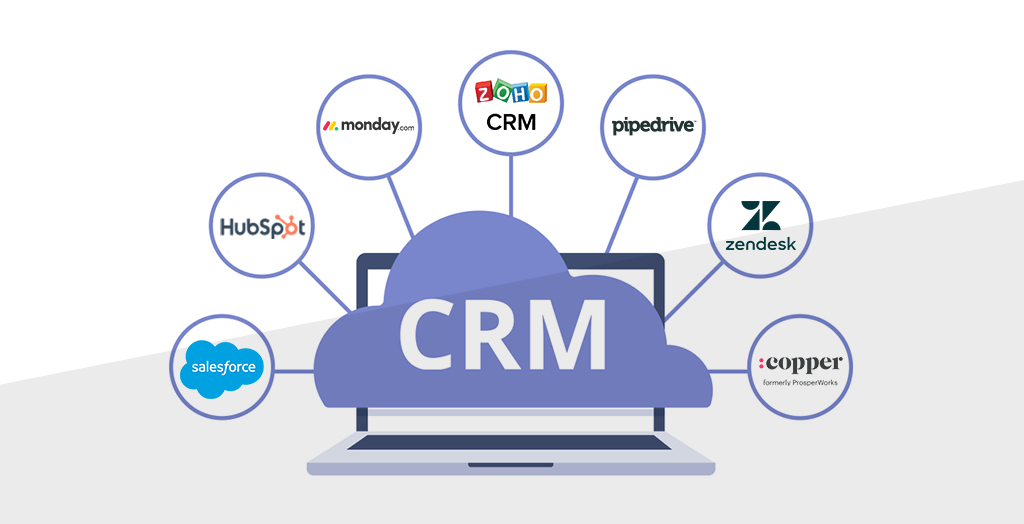
    • Customer Relationship Management (CRM): Integrates sales pipelines with order fulfillment to provide a comprehensive view of customer interactions.
    • Service-oriented firms: Ensure resource allocation, milestones and billing for projects to make them profitable and within time.

    Deployment Models and Digital Transformation

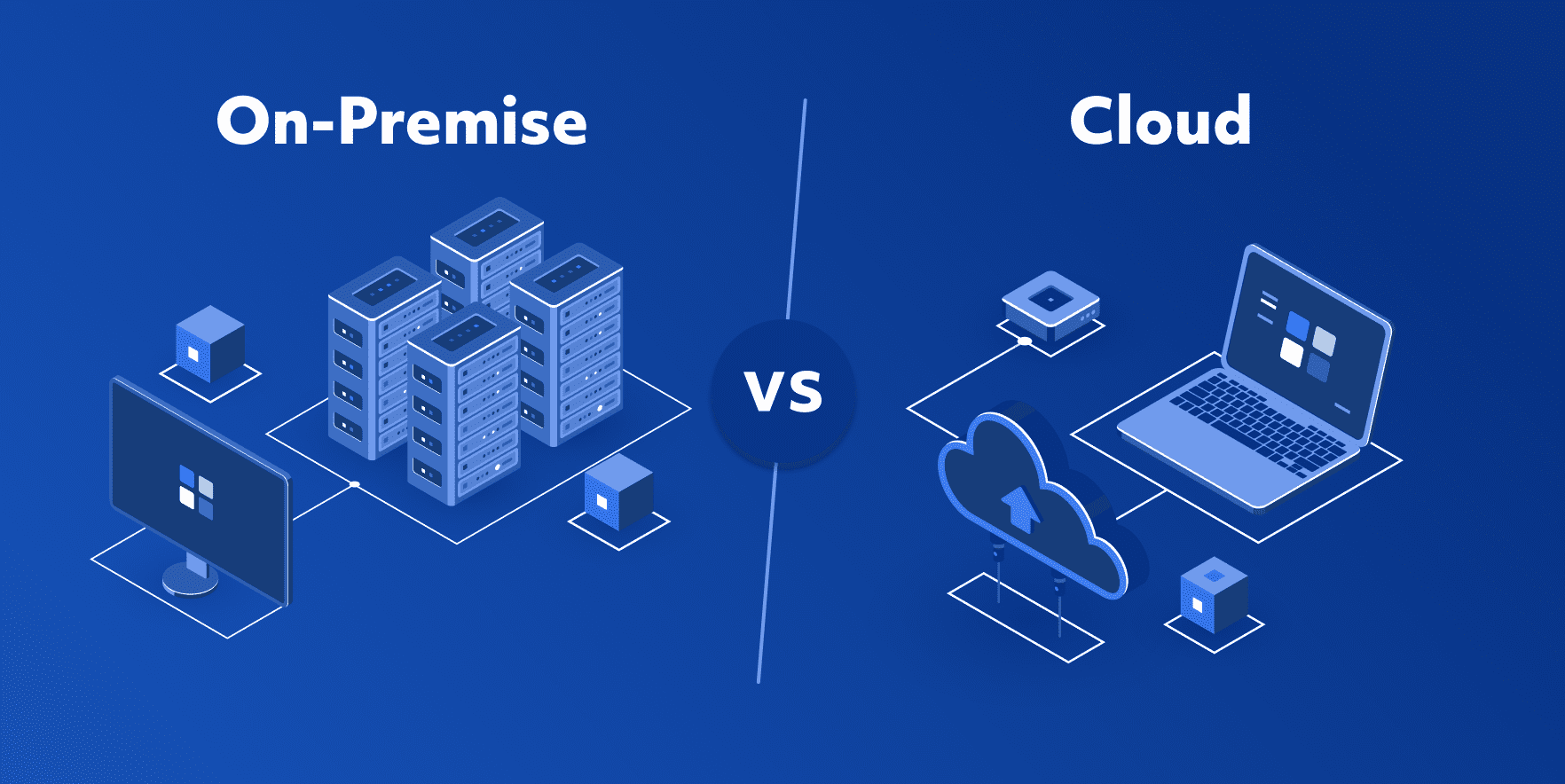
    The shift from ‘legacy’ on-premise systems to cloud-based SaaS-based systems has changed the way ERP is implemented. For highly-regulated industries, on-premise solutions give maximum control, while cloud ERPs offer scalability and quick deployment in the era of agility. This change lowers the Total Cost of Ownership (TCO) as there is no need for major maintenance on the hardware or manual version patching.

    As with most technical solutions, it’s not simply about a technical installation, but a process that requires careful change management. The successful applications focus on Business Process Reengineering (BPR) to adapt software’s standard capabilities towards business objectives. Enterprise can then move historical data into the new environment using ETL (Extract, Transform, Load) protocols, and advanced Business Intelligence (BI) tools can provide actionable insights from Day 1. The digital transformation simplifies how companies respond to market changes and supply chain fluctuations.

    Strategic Value for Executive Leadership

    The ERP system is an important source of return on investment and competitive advantage for the executive leadership. Companies see substantial cutbacks in operational overhead, in cycle times, by bringing together different workflows. Having insights into Cash-to-Cash cycles and inventory velocity, in real time, gives CFOs better control over liquidity.

    An ERP system is a strategic investment that equips your organization for scalability. When organisations grow with mergers or new business units in overseas markets, the rules and standards of an integrated ERP enable quick and effortless integration of new units. The system also provides centralisation of governance and automation of routine compliance processes, allowing human resources to devote more time to innovation instead of reconciliation. In today’s business world, an ERP is more than just a tool—it’s the backbone of an enterprise’s data-driven, sustainable growth.